
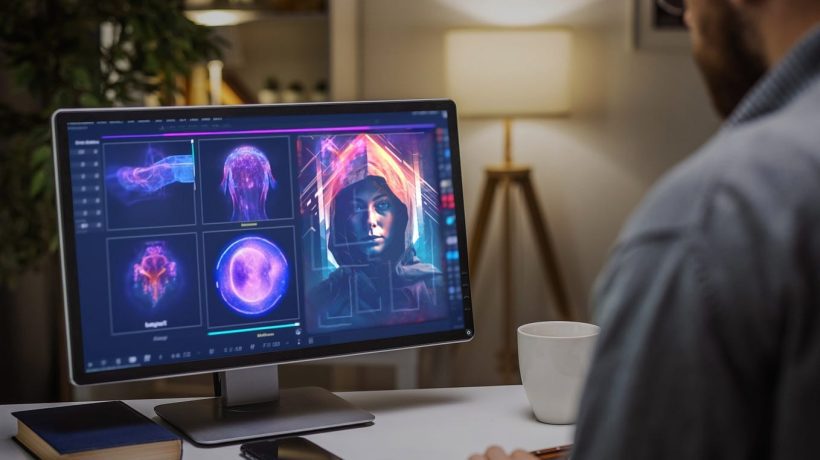
Introduction: Why AI Video Makers Are a Game-Changer
Video is the most engaging type of online content. (“Why video is the most engaging type of content?”, 2025) Short videos on TikTok, YouTube Shorts, Instagram Reels, and LinkedIn now lead digital storytelling. Turning long videos into professional clips takes a lot of time, but AI highlight video maker tools make it much easier.
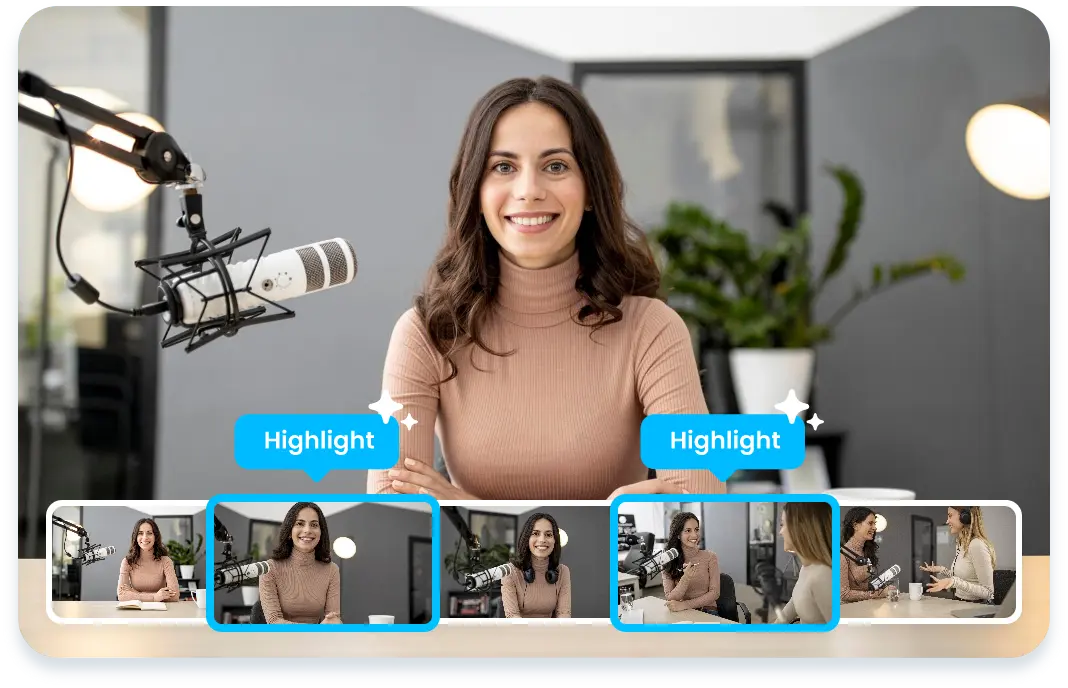
AI-driven platforms detect top highlights, add captions, format content for social media, and publish clips easily. Content creators, marketers, educators, and business owners save hours and expand reach.
In this guide, you’ll discover the top 4 best AI video maker apps, their strengths, and how to choose the right one for your needs. We’ll compare these tools based on their pricing, features, ease of use, and more, providing you with the insights needed to make an informed decision.
Direct Answer: The Top 4 Best AI Video Maker Apps (2025)
Here’s the quick answer if you’re in a hurry:
- OpusClip – Best for social media creators who want viral hooks.
- Munch – Best for marketers and agencies looking for data-driven video clipping.
- Veed.io – Best for online video editing with strong subtitle and design tools.
- ClipN.ai – Best all-in-one AI highlight video maker with 600 free credits on signup.
Now, let’s break down why these are the top choices and how they solve user problems. These tools were selected based on comprehensive user reviews, extensive testing, and their overall popularity among current users. This methodology ensures a reliable and trustworthy recommendation tailored to your needs.
The Problem: Why Traditional Video Editing is Broken
Editing long videos into short, engaging content isn’t easy.
- Time-Consuming: A 1-hour podcast may take 4–5 hours to trim into short clips.
- Technical Barriers: Not everyone has editing skills or access to high-end tools.
- Platform Overload: Each social channel (TikTok, Instagram, YouTube) requires different formats.
- Consistency Issues: Many creators burn out because they can’t keep up with editing demands.
That’s why users are searching for AI-driven video editing solutions that simplify the process.
The Solution: AI Video Maker Apps
AI-powered video software automates the editing process. Here’s how:
- Highlight Detection → AI finds the most engaging moments automatically.
- Auto-Captions → Subtitles are generated instantly for accessibility and engagement.
- Smart Cropping → Reframe horizontal videos into vertical formats (perfect for Reels & Shorts).
- Branding Tools → Add logos, end cards, or CTAs consistently.
- One-Click Publishing → Post directly to multiple platforms.
This means you can upload your video once, and the app will handle everything, turning long content into short, shareable stories.
Top 4 AI Video Maker Apps Reviewed
1. OpusClip – Viral Hook Specialist
Overview: OpusClip is favored by influencers and TikTok creators. Its AI identifies the most viral-worthy segments, producing short clips with effective hooks. (“AI Shorts Clipping”, n.d.)
Features:
- AI hook scoring system for virality prediction
- Social media optimized formats
- Auto-subtitles and templates
Best For: Content creators who want to maximize reach on TikTok, YouTube Shorts, and Instagram Reels.
Munch is for marketers and agencies. It analyzes which clips will perform best on each platform, not just cutting video.
For example, imagine a marketing agency managing multiple social media accounts for a brand. They upload a long product launch video and use Munch to dissect the content. The platform identifies clips that align with current platform trends and audience interests. This capability allows the agency to tailor their content strategy, ensuring maximum impact and engagement across channels, saving substantial time and resources that would otherwise be spent on manual analysis and editing.
Features:
- AI-powered topic and keyword extraction
- Platform-specific clip recommendations
- Integration with multiple social channels
Best For: Marketing teams and agencies managing multiple accounts.
3. Veed.io – Versatile Online Video Editor
Veed.io is an AI-powered video editor and online platform offering a range of tools. Trim, add effects, subtitles, and create branded content.
Features:
- Free online AI video editor version available
- Subtitle generator and translator
- 4K video editor AI rendering
- Screen recorder and collaboration tools
Best For: Businesses, freelancers, and teams who want both editing and design features.
4. ClipN.ai – All-in-One AI Highlight Video Maker
ClipN.ai combines AI automation and simplicity. It’s for creators and brands wanting everything in one platform. (Ashraf, 2025)
Features:
- AI highlight detection (finds the best moments automatically)
- Auto-subtitles with full editing control
- Branded end cards and logos
- Vertical video framing for Reels, Shorts, TikTok
- One-click publishing and scheduling
Best Part: On your first signup, you get 600 free credits to try the platform risk-free. Once these credits are exhausted, users can choose from various subscription plans tailored to different needs and usage levels. By knowing what pricing options are available beforehand, readers can effectively plan their continued use without unexpected interruptions.
Best for: Content creators, marketers, and businesses that want a balance of automation and customization.
Real-Life Example: How Creators Use AI Video Makers
Picture Sarah, a fitness coach, uploading 1-hour workout sessions to YouTube. Editing for Instagram and TikTok takes too long for her to stay consistent.
With an AI video editor, Sarah uploads her workout once. The app detects top moments, adds subtitles, reframes for vertical viewing, and exports over 10 shorts. She creates a week’s worth of content for various platforms in under an hour.
Consider Alex, an educator, who conducts hour-long online lectures for his virtual classroom. With the help of an AI video maker, he can quickly edit these sessions into precise educational clips for different social platforms and his educational website. This not only saves him hours of manual editing but allows his students to revisit key concepts and classes on various channels.
This is the power of AI video editing, turning complexity into consistency.
Step-by-Step Guide: Choosing the Right AI Video Maker

- Identify Your Goal – Do you want viral reach, client-ready branding, or educational repurposing?
- Check Key Features – Must-haves include captions, reframing, branding, and publishing.
- Test Free Options – Try tools that offer trials, like a free online AI video editor.
- Measure Output Quality – Look for natural captions, accurate cuts, and smooth exports.
- Scale with Automation – Use tools like an AI auto cut video editor to repurpose at scale.
Benefits of AI Video Makers
- Productivity Boost: AI assistant video editor tools reduce manual work.
- Global Reach: With subtitle translations, AI editors online video platforms help reach new markets.
- Cost Savings: Instead of hiring editors, small businesses use an AI-free video editor.
- Scalability: Agencies leverage AI automatic video editor free options to test workflows.
- Professional Quality: Many tools support AI 4K video editors, enabling the creation of high-end content.
While AI video editing tools can significantly speed up the process and offer affordability and scalability, it’s important to recognize the differences when compared to professional human editing. Human editors bring a personal touch, creative insights, and the capability to handle intricate details that AI may miss.
AI can effectively perform repetitive tasks such as cutting and captioning, but human editors excel in storytelling and nuanced editing choices. For creators focused on high-quality production values, understanding these distinctions is key to setting realistic expectations.
Conclusion
For online growth, consistent video content is essential, but traditional editing is slow and complex. AI highlight video makers offer a simple solution.
- Choose OpusClip for virality.
- Use Munch for marketing insights.
- Try Veed.io for editing + design.
- Sign up for ClipN.ai now to get 600 free credits and start transforming your videos today.
Start transforming your long videos into short, captivating stories in just minutes. Take action now and see the difference.
FAQs
Q1: What is an AI highlight video maker?
An AI highlight video maker is a tool that automatically detects the most engaging parts of a video, adds captions, and formats clips for social media.
Q2: Which AI video maker app is best for beginners?
For beginners, Veed.io is a user-friendly platform that offers a free trial. It’s great as an AI-free video editor to test before upgrading.
Q3: Can AI really replace a human video editor?
Not completely. An AI-generated video editor can take care of repetitive tasks like cutting, captioning, and reframing, while humans can focus on creative work.
Q4: Do these tools work well for long videos, such as podcasts or webinars?
Yes, platforms like ClipN.ai and OpusClip are designed as AI long video editors, perfect for repurposing hour-long recordings.
Q5: Are there free AI video editors available?
Yes. Many tools offer free trials or limited versions. For example, some platforms work as an AI auto video editor free for basic editing.
Q6: What makes AI video makers different from traditional editors?
These tools use AI-powered video software to detect highlights, generate captions, and automatically optimize formats. This can save you hours of manual work.


