
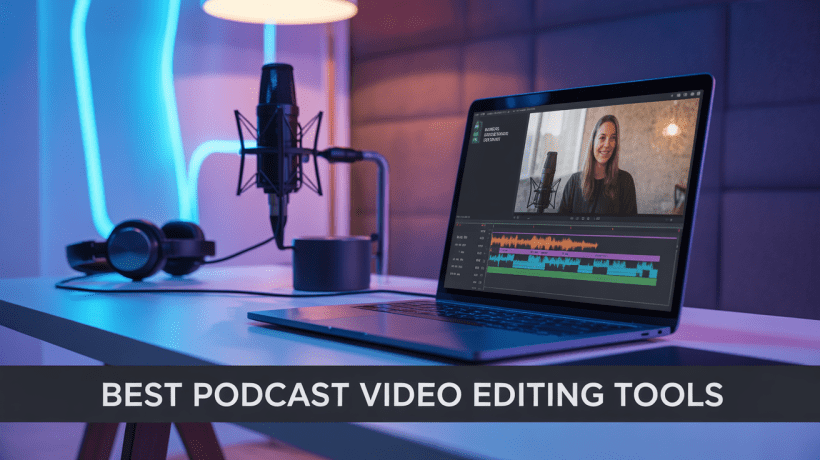
Podcasting isn’t audio-only anymore; it’s visual. With YouTube, Spotify Video, and other mediums providing creators with international exposure, video podcasts are the new norm. But there’s one catch: editing. Removing filler words, eliminating background noise, syncing cameras, and refining your final episode takes hours. That’s why content creators are switching to AI-based editing platforms that make things easier and save precious time. So, let’s get right to the big question; What are the best podcast video editing tools?
Descript Reigns Supreme
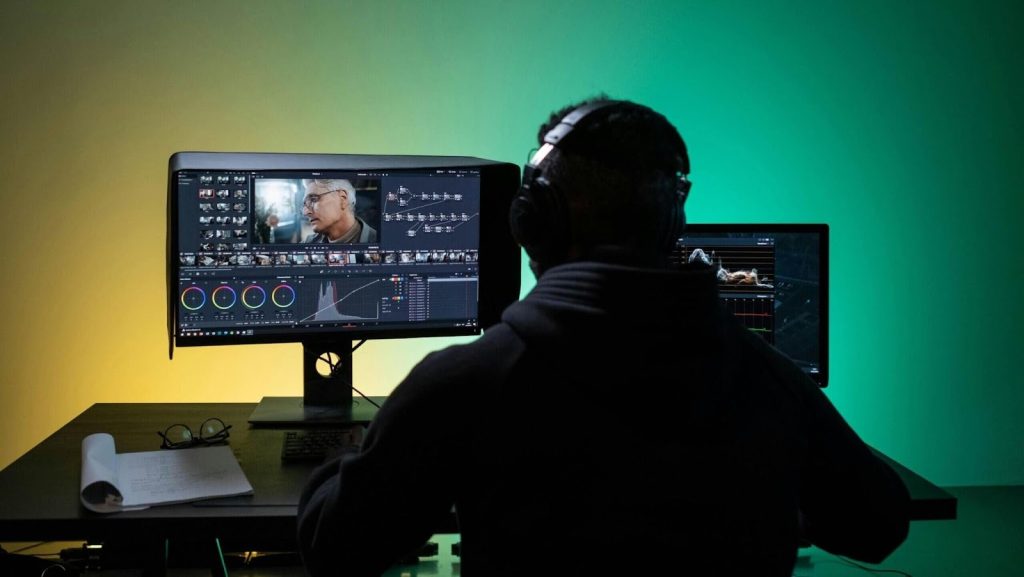
If you’re looking for the best podcast video editing tool, the number one choice for 2025 is Descript.
It’s a one-stop, AI-based platform that allows you to edit video by editing text — simply remove the filler words from the transcript, and the tool will automatically remove them from the video.
Descript also features:
- Multi-camera and multi-speaker support
- Studio-quality AI audio boost
- Green screen and layout templates
- Real-time team collaboration
- One-click captions and subtitle creation
If Descript isn’t for you, other options such as DaVinci Resolve, Adobe Premiere Pro, VEED.IO, Riverside.fm, Kapwing, and Flixier are just as great depending on your production workflow.
Podcast Editor Problem
Here are the common podcast editing issues and the way ai driven video editing solve them efficiently.
Problem: Taking Forever to Edit
Standard podcast editing is a never-ending chore. Trimming out silences, filler words, and errors manually can take hours per episode.
Solution:
Use a text-based editor such as Descript. It automatically transcribes your recording, and you can easily delete unwanted parts from the text.
The software syncs your changes to audio and video in real-time saving up to 60% of your time.
Problem: Poor Audio and Background Noise
Poor sound quality can destroy an otherwise brilliant conversation.
Solution:
Use AI audio enhancement features incorporated in Descript, DaVinci Resolve, or VEED.IO.
These best podcast video editing tools employ machine learning to separate voices, eliminate noise, and equalize audio levels automatically creating professional-grade sound from even mediocre mics.
Problem: Complex Multi-Camera Editing
When recording podcasts with multiple cameras or remote guests, switching and syncing can be agony.
Solution:
Employ tools with multi-track and multi-camera editing capabilities.
Descript and Riverside.fm make this easy — aligning tracks automatically and tagging speakers. It is also easy to switch views in the midst of editing.
Problem: Lack of Visual Appeal
Simple video podcasts can be boring without engaging captions, titles, and branding.
Solution:
Give VEED.IO, Kapwing, or Flixier a try; they all excel at creating branded layouts, subtitles, transitions, and 4K exports.
They’re simple and cloud-based, so you don’t need an expensive computer.
Problem: Costly and Complex Software
Most creators hold back because legacy software such as Adobe Premiere Pro is daunting or costly.
Solution:
Begin with the free online ai video editor version of Descript or browser-based tools such as VEED.IO and Kapwing. These best podcast video editing tools offer free access to fundamental editing and AI features, including auto-captions, AI auto-cut video editor functionalities, and reel video editor AI templates.
You can upgrade to paid subscriptions for more sophisticated features when you expand.
Global Editing Considerations for Podcasters
Since podcasting is a global medium, choose best podcast video editing tools that:
- Support multi-language transcription and subtitles
- Offer cloud collaboration for remote teams
- Export in universal formats (MP4, MOV, 4K)
- Allow easy payment options and regional pricing
Whether you’re in Pakistan, the US, or Europe, these tools are accessible worldwide with global export compatibility.
How to Edit a Podcast Video with AI Tools
Here’s how to make the most of an AI video editor for your podcast:
Record Smart
Use good microphones and lighting. Even the most advanced AI video editor can’t fix poor raw footage completely.
Upload and Transcribe
Import your podcast video into Descript or any AI based video editor. The system generates a full transcript automatically.
Edit via Text
Eliminate pauses, filler words, and mistakes simply by erasing them from the text. The tool makes these changes automatically to the video and audio.
Insert Visual Enhancements
Add motion graphics, logos, or personal lower thirds. Best podcast video editing tools such as VEED.IO and Kapwing make this task drag-and-drop easy.
Improve Audio
Utilize integrated AI filters to tidy up background noise, equalize speakers, and add studio-quality sound.
Insert Captions & Subtitles
Auto-caption with an AI helper video editor. This enhances accessibility and engagement — particularly on social media.
Repurpose for Social Media
Utilize ClipN, a new AI solution that automatically identifies key engagement points, introduces subtitles, and repurposes podcast clips into vertical formats for YouTube Shorts or Reels. This assists in increasing your global audience.
Export and Publish
Select the right resolution preferably 1080p or 4K video editor AI output and export to YouTube, Spotify Video, or any other platform of your preference.
How AI Saved a Creator 6 Hours per Episode
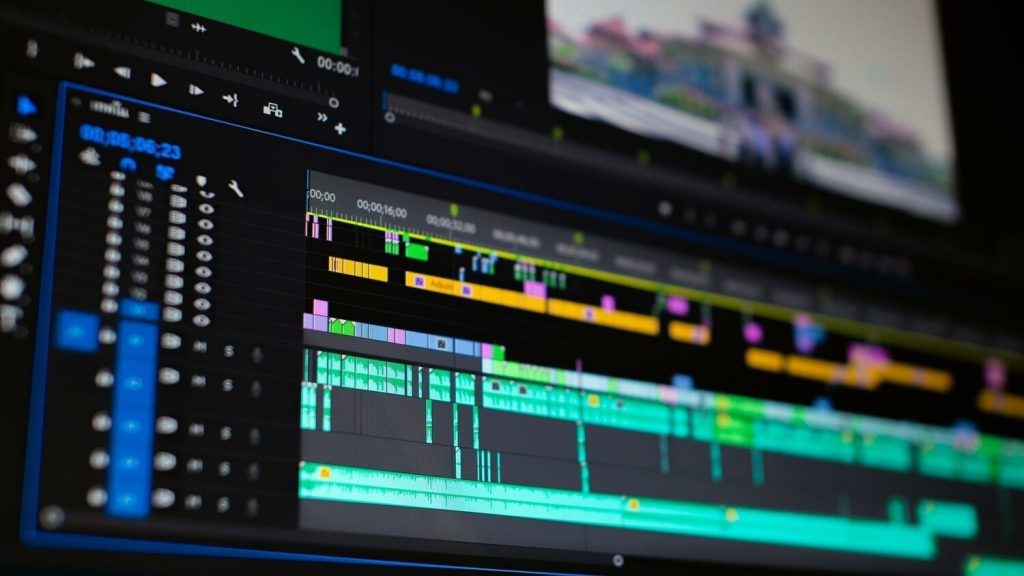
Global content creator Liam was spending 10 hours editing every podcast episode himself in Adobe Premiere Pro.
- He now edits using Descript and clips using ClipN. Two weeks later:
- Editing time dropped to 4 hours
- Auto-filler removal saved 40% of manual labor
- ClipN’s ai generated video editor increased his YouTube Shorts views by 70%
- He produced more content in less time without hiring an editor
This example highlights how best podcast video editing tools are transforming creative production globally.
Choosing the Right Tool for You
If you need speed and AI automation, use Descript.
If you need Hollywood-grade precision, use DaVinci Resolve.
For browser ease, VEED.IO or Kapwing are the best.
For podcast recording remotely and editing, Riverside.fm is the perfect choice.
For repurposing for social media, ClipN is your go-to partner.
Don’t forget there is no one tool that suits everyone. The ideal tool depends on your workflow, expertise, and creative ambitions.
Edit Smarter, Not Harder
The future of podcast editing is AI-powered.
If you’re still doing it by hand, you’re wasting precious time that could be spent making new episodes or building your audience.
Begin with Descript, check out VEED.IO or Kapwing for speedy social edits, and repurpose your content on autopilot with ClipN.
With these technologies, you can produce professional, engaging, and world-ready podcast videos quicker than ever.
Frequently Asked Questions
1. What are the best podcast video editing tools?
Descript is presently reigning supreme with its AI-powered editing, but VEED.IO, Kapwing, and Riverside are fantastic choices too.
2. Does a free AI video editor for podcasts exist?
Yes, you can use VEED.IO, Kapwing, or Descript’s free plan. They have free plans with limited AI editing and export capabilities.
3. Do I edit 4K podcast videos with AI software?
Of course. Applications like DaVinci Resolve, Descript, and VEED provide 4K video editor AI export on their premium plans.


