

In a world where video content is expected to dominate 82% of all internet traffic by 2025, creators and businesses are racing to produce engaging clips faster than ever. If you’re overwhelmed by the time and skills needed for traditional editing, an AI video editor could be your game-changer. These tools utilize artificial intelligence to automate tasks ranging from cutting clips to adding captions, making professional-quality videos accessible to anyone.
Whether you’re a solo creator pumping out short-form videos for TikTok or a marketer repurposing webinars, an AI video editor streamlines the process, saving hours and boosting engagement. Let’s dive straight into how it works and why it’s essential for staying ahead in 2025’s video-first landscape.
What Is an AI Video Editor and Why Do You Need One?
At its core, an AI video editor is an innovative online platform that utilizes machine learning to automate tedious editing tasks. Unlike manual software like Adobe Premiere, which requires steep learning curves, an AI video editor analyzes your footage, detects key moments, and suggests edits in seconds. Features often include automated video editing for seamless transitions, smart cropping for social media formats, and even generative elements like background music or visual effects.
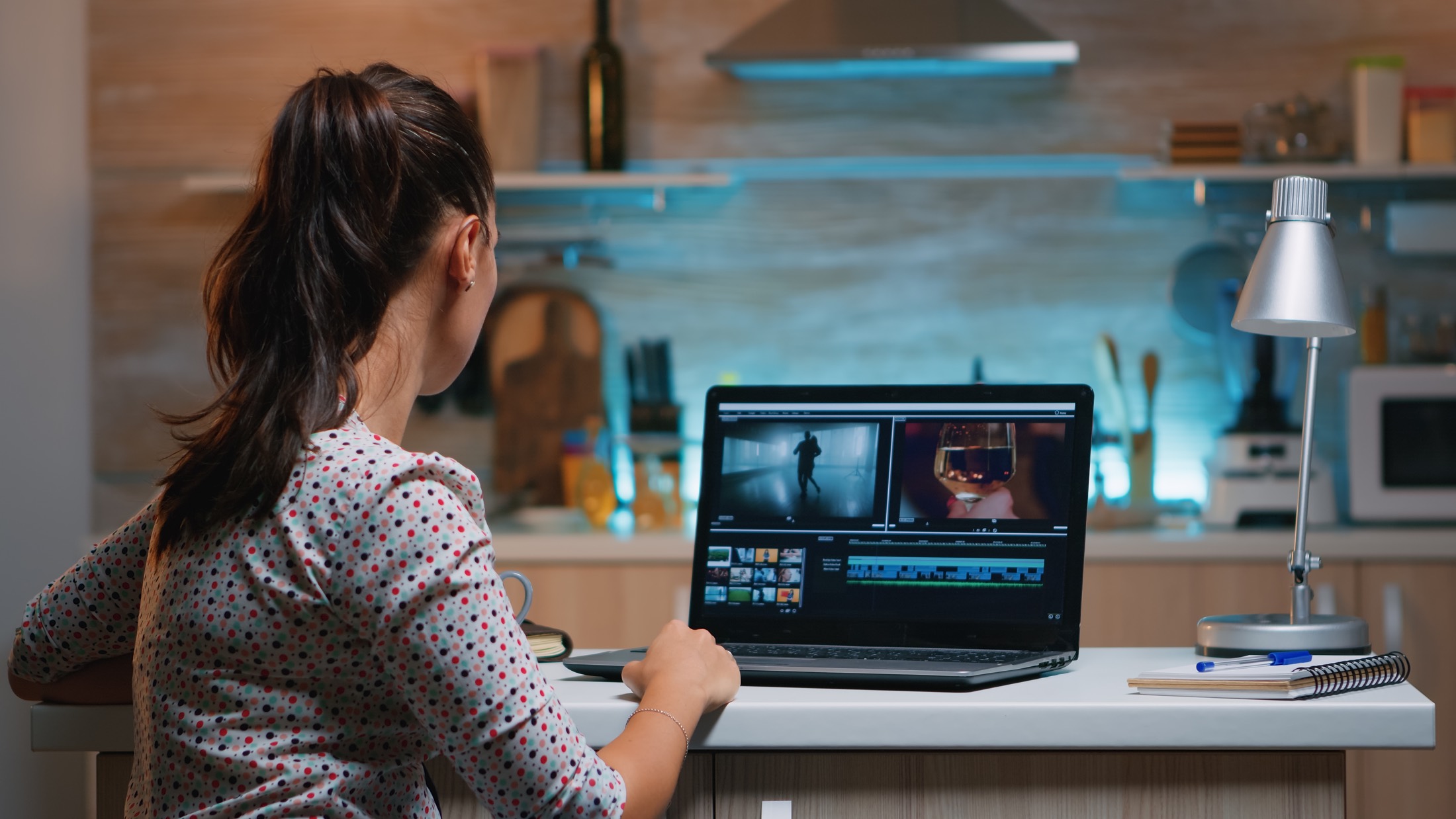
The rise of short-form video—think Reels, Shorts, and TikToks—has exploded, with platforms seeing massive growth in 2025. Statistics show that 91% of businesses now incorporate video into their marketing strategies, up from previous years, because it drives higher ROI and audience retention. For individuals, an AI video editor democratizes the creation process, eliminating the need for expensive equipment or professional skills. Benefits include slashing editing time by up to 90%, improving video quality with AI-driven enhancements, and scaling content output without burnout. In 2025, trends like AI-powered personalization and cloud collaboration make these tools indispensable for global creators facing tight deadlines.
If you’re editing podcasts, vlogs, or promotional videos, an AI video editor ensures your content is optimized for virality. For instance, it can generate hooks that capture attention within the first three seconds, a crucial period during which viewers decide whether to watch or scroll. Plus, with multilingual support and real-time analytics, it’s perfect for reaching international audiences.
The Common Struggles with Traditional Video Editing—and How AI Solves Them
Video editing has always been a bottleneck. Creators spend hours sifting through footage, aligning audio, and fixing imperfections, often leading to frustration and inconsistent results. Manual tools demand technical expertise, from understanding timelines to mastering color grading, which can alienate beginners. Businesses face even bigger hurdles: high costs for hiring editors and delays in content rollout, as well as missing trends in a fast-paced digital world. Add in the challenge of formatting for multiple platforms, and it’s no wonder 70% of high-earning creators dedicate at least four hours daily to production.
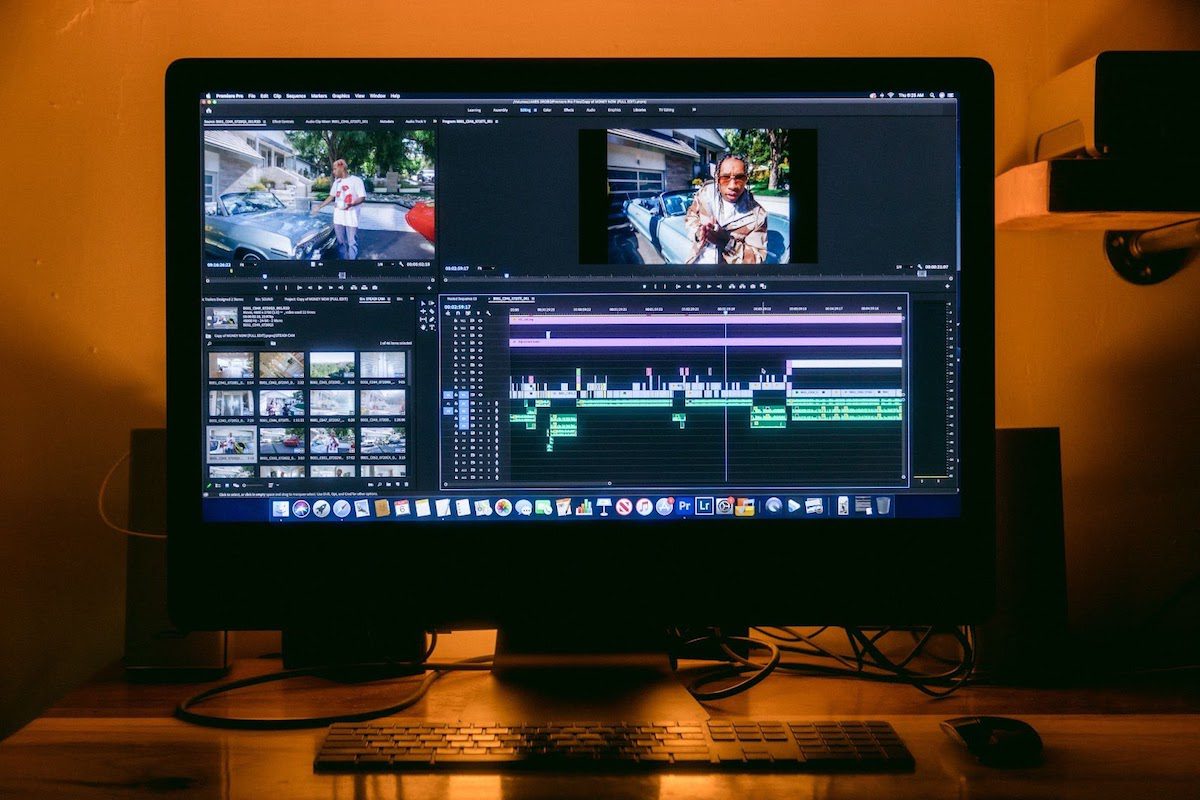
Identify Your Content Needs and Select the Right Tool
Start by assessing your goals. Are you turning long podcasts into bite-sized clips? Or creating explainer videos for marketing? Look for an AI video editor that offers features such as auto-highlight detection and platform-specific exports. Tools in this space vary, but prioritize user-friendly interfaces with free trials. For example, ClipN.ai stands out as an AI-powered video software that specializes in repurposing long-form content into viral shorts, offering intuitive automation for beginners and pros alike.
Research shows that AI tools can reduce production time by automating up to 80% of edits, making them ideal for busy creators. Compare options based on ease of use, integration with stock libraries, and pricing—many are available for free.
Upload and Let AI Analyze Your Footage
Once chosen, upload your raw video directly to the online platform. The AI video editor scans the content using algorithms to identify engaging segments, like emotional peaks or key phrases. This is where automated video editing shines: it trims filler words, removes silences, and suggests cuts without manual input. For podcast creators, the best podcast video editing tools often include voice enhancement and sync features to polish audio-visual alignment.
In practice, this step takes only minutes, not hours. AI handles scene detection, ensuring smooth narratives, and even suggests b-roll from integrated libraries to fill gaps.
Customize with AI Enhancements
Refine the AI’s suggestions in an intuitive editor. Add dynamic captions for accessibility—AI generates them accurately in multiple languages. Utilize an AI highlight video maker to emphasize viral moments, such as trending hooks or calls-to-action. Apply effects such as motion graphics or VR elements, which are trending in 2025, to create immersive content. Tools often include beat-sync for music, ensuring your video pulses with energy.
Test variations: AI can A/B test thumbnails or intros, predicting engagement based on data from millions of videos. This semantic optimization ties into broader video creation ecosystems, incorporating LSI elements like “online video maker” or “cloud-based editing” naturally.
Export, Optimize, and Publish
Finalize with one-click exports tailored for platforms—portrait for Stories, landscape for YouTube. An AI video editor optimizes file sizes for quick uploads and SEO, embedding metadata such as keywords for improved discoverability. Schedule posts directly if integrated, maximizing reach.
Track performance post-publish: Many tools provide analytics on views, shares, and drop-offs, helping refine future edits. This loop turns editing from a chore into a data-driven strategy.
Scale and Iterate
As you grow, use AI for batch processing multiple videos. Collaborate via cloud features, sharing projects globally without version conflicts. Over time, this builds a library of high-performing templates, accelerating your workflow.
A Real-Life Story: How AI Transformed a Content Creator’s Journey
Meet Sarah, a budding podcaster from New York who dreamed of growing her audience but struggled with editing. In early 2025, she recorded hour-long episodes on wellness topics, but manually clipping highlights for social media took up her entire weekends. “I was burning out,” she recalls. “My videos looked amateur, and engagement was flat.”
Enter an AI video editor. Sarah uploaded her latest episode, and the tool’s AI instantly pulled out compelling snippets—like a guest’s inspiring quote—adding captions and upbeat music. She customized it with branded overlays, exported it for Instagram Reels, and posted it. The result? Her first viral clip garnered 50,000 views, tripling her followers in just a month. Data backs this: Users of AI tools report 600% engagement boosts and 200% business growth, as seen in success stories from platforms like Revid.ai.
Sarah’s story isn’t unique. Filmmakers like Kyle Odefey at Synthesia use AI for everything from voice cloning to complete edits, creating content that reaches millions. In business, companies leverage AI for explainer videos, with 73% of marketers favoring them for conversions. These examples demonstrate how an AI video editor transforms ideas into impactful stories, fostering creativity amid the 2025 content explosion.
Navigating Challenges and Maximizing AI Video Editor Potential

While powerful, AI video editors aren’t flawless. Challenges include occasional caption errors or generic outputs if data input is poor. They excel at efficiency but may lack the nuanced creativity of human editors for artistic projects. To mitigate, always review AI suggestions and combine with personal touches.
On the other hand, benefits such as cost savings—reducing expenses by automating labor—and consistency across videos make them worthwhile. In 2025, trends suggest a deeper integration of AI, including text-based commands for editing and virtual production. For global users, features like real-time translation enhance accessibility.
Call To Action
You’ve got the blueprint: From hooking introductions to scalable solutions, an AI video editor empowers you to create without limits. Don’t let editing hold you back—start today and watch your content soar. First, sign up and receive 600 free credits to kickstart your journey. Sign up now, upload your first video, and experience the magic. What’s your next project? Share in the comments or dive in—your audience is waiting!
Frequently Asked Questions
- What is an AI video editor? An AI video editor is software that utilizes artificial intelligence to automate editing tasks, such as trimming, captioning, and enhancing videos, thereby making the process faster than manual methods.
- How does an AI video editor save time? It analyzes footage in seconds, automates cuts, and suggests improvements, cutting editing time by 80-90%.
- Is AI video editing suitable for beginners? Yes! Intuitive interfaces require no prior skills, with tutorials guiding you through the process.
- Does AI replace human editors? No, it complements them by handling routine tasks, leaving creative decisions to you.
- Can AI video editors handle multilingual content? Absolutely—tools translate captions and voiceovers for global reach.
- Are AI-edited videos high quality? Yes, with 4K support and professional effects, but review for personalization.
- How secure is online AI video editing? Reputable tools utilize encryption and cloud storage; always review their privacy policies.
- What’s the future of AI in video editing? Expect more generative AI for creating from text prompts and VR integrations.


